KeyShare quick start - Vox Populi mandate example
Step-by-step guide on how to configure KeyShare, which lets Chaster users with access to the link, freeze, unfreeze, add or remove time to the lock.
Mandate configuration
In the Lock configuration, add KeyShare as an extension. In the KeyShare configuration:
- Select a predefined Mandate (We use Vox Populi for this example) from the drop down menu
-
Click "Add Mandate"
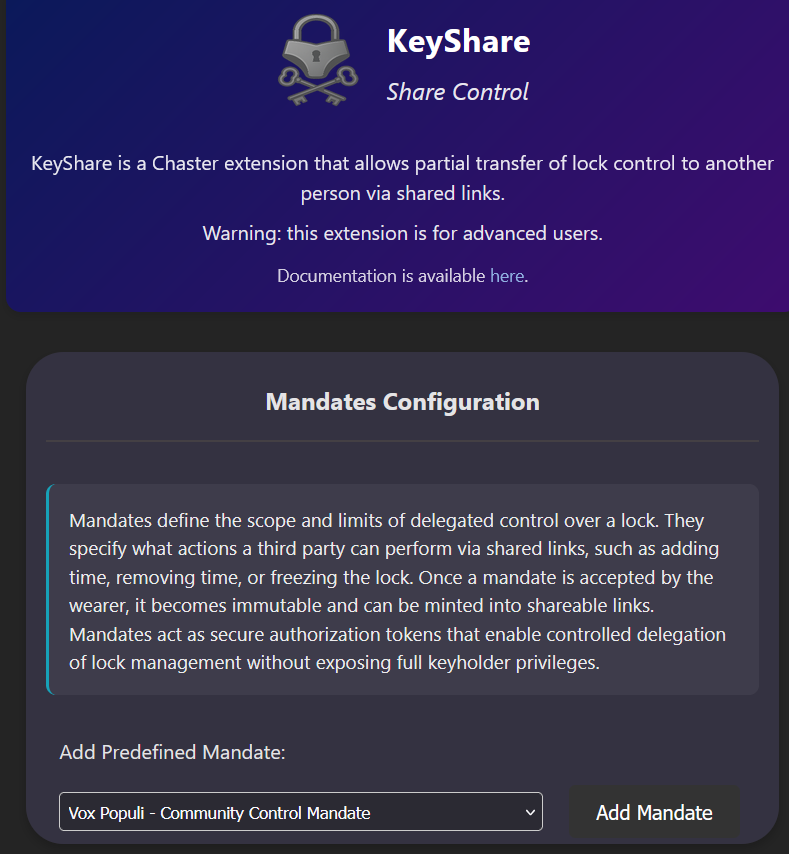
-
Scroll down and click "View More Details"
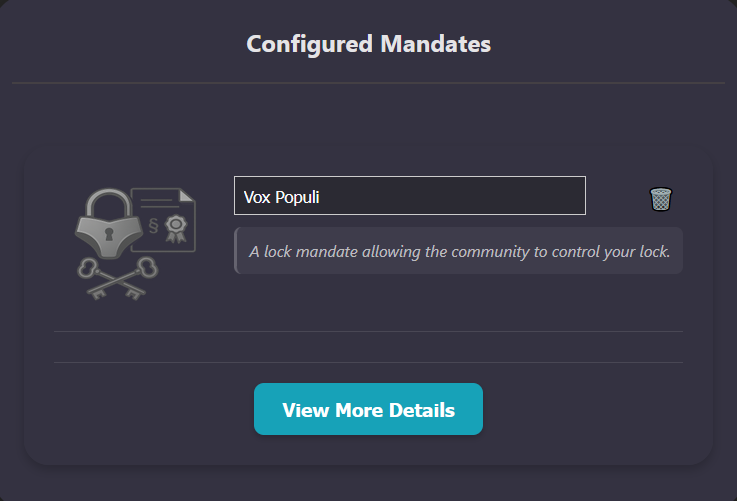
-
You can now change the predefined options. Click View Full Details button to modify powers and actions, or add and remove new ones to your liking.
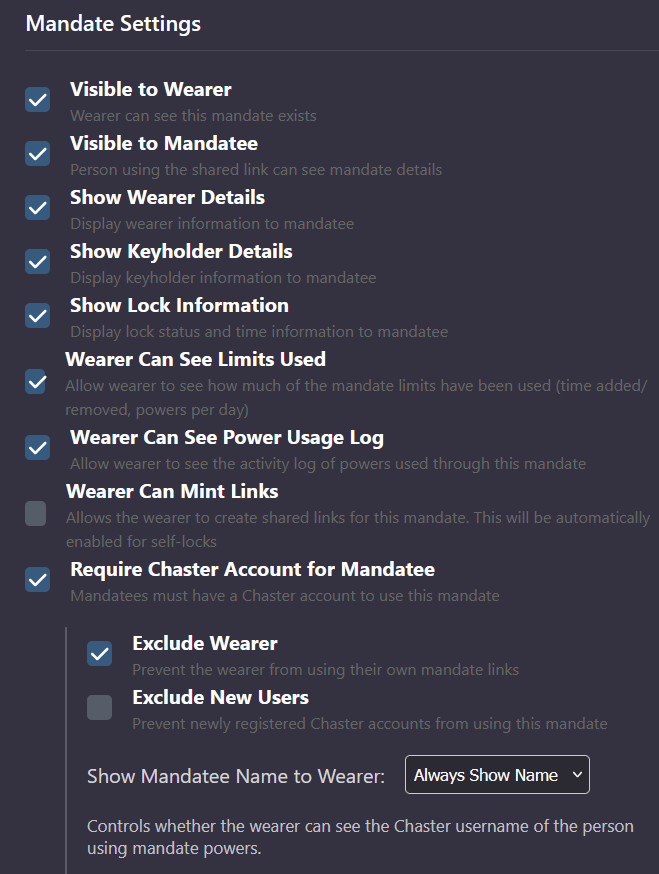
-
Save the configuration.
-
Create the lock or save the extensions in case of KeyHolder
You can also start from scratch instead of using a predefined mandate.
Mandate acceptance
Before the self or Keyholder created Mandate is active, the wearer must sign it.
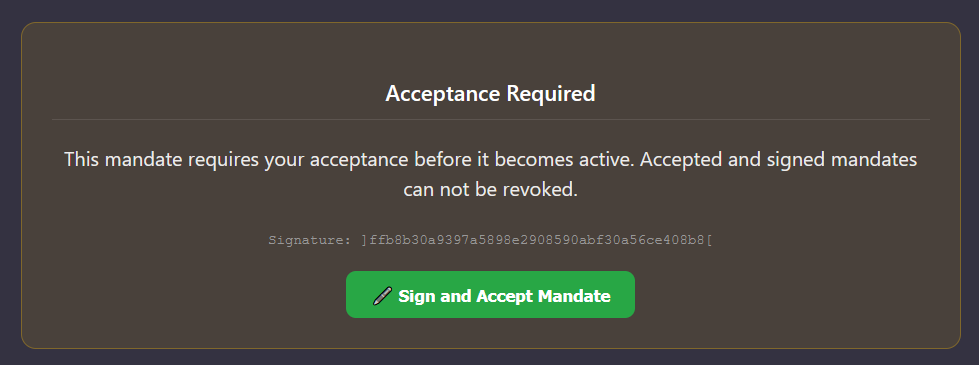
Creating mandate link
Once a Mandate is active, you can generate a link which you can share. Chaster > Lock > KeyShare
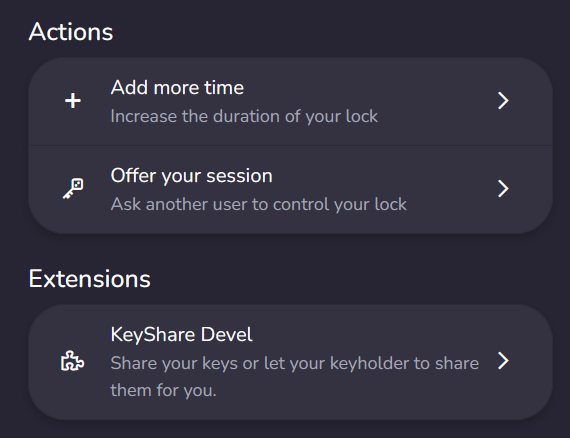
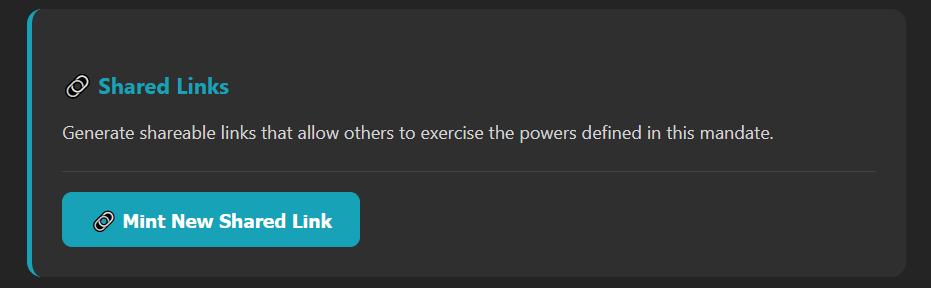
And create the link here:
Using the link
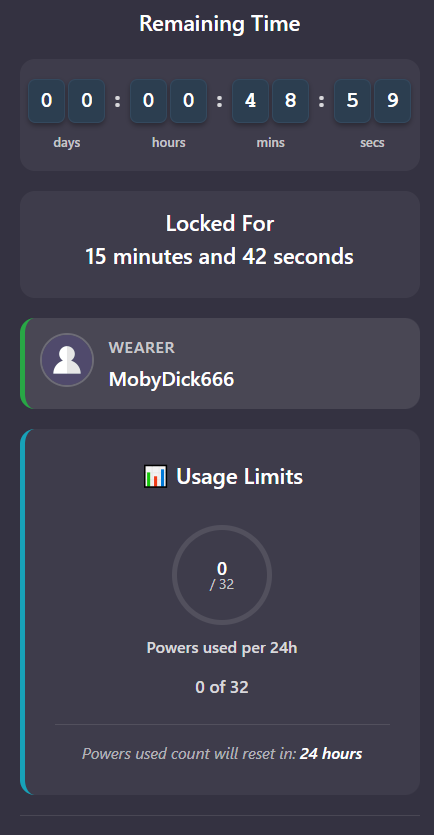
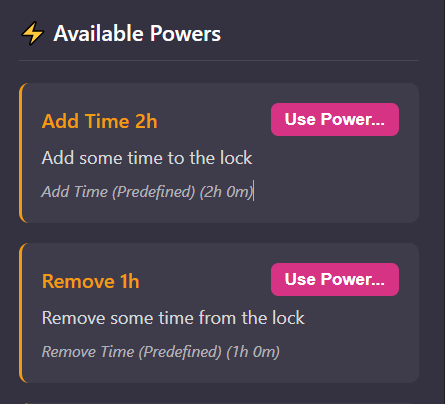
When someone opens the link, they will be asked to register with their Chaster account (as the mandate requires a Chaster account). Then they can see the status of the lock and use powers to influence the lock:
For more information, see the full Documentation.